
You are marking a set of Year 8 science reports at 9pm, eyes blurring, and you notice something odd. Every report is perfectly structured, every sentence is polished, and yet, they all sound strangely the same. No spelling mistakes, no wonky metaphors, none of Jamie’s usual “creative” phrasing. You have a sinking feeling: it’s not their voice. It’s AI’s.
The Marking Headache: When AI Blurs Student Voice

Spotting the signs: Is this really their work?
You know your students. You know the one who writes with a kind of chaotic genius, and the one who would rather eat their own tie than use a semicolon. But suddenly, everything in your marking pile is smooth, neutral, and eerily error-free. It is like someone pressed copy-paste on a robot with a B+ average.
You start to doubt. Not just them, but yourself. Are you being unfair? Is it paranoia, or is this the new reality with AI in every browser tab? The hard truth: AI is now clever enough to write a passable report, but it is not clever enough to sound like your students.
The pressure to keep up: why students turn to AI
Here’s the other side of the story. Your top set are under more pressure than ever. Coursework is creeping up, homework deadlines feel relentless, and they see AI as the shortcut everyone else is using. It’s not laziness, it’s survival. Why wouldn’t they reach for the tool that promises a neatly written answer in 30 seconds?
You get why they do it. But you also know that if this keeps up, you will never really know what they can do. More importantly, neither will they.
Seeing the Possibility: Authentic Learning in an AI Age
What if students used AI as a learning tool, not a shortcut?
Imagine if, instead of hiding AI use, students were taught to use it like a highlighter or a calculator: as a support, not a substitute. The question is not “How do I catch them out?” but “How do I help them use it well?”
If students understood that using AI should help them learn, not just make their work sound better, you would get reports full of real thinking, not just recycled prose.
Before and after: From copy-paste to critical engagement
Let’s look at a typical scenario - one you might recognise.
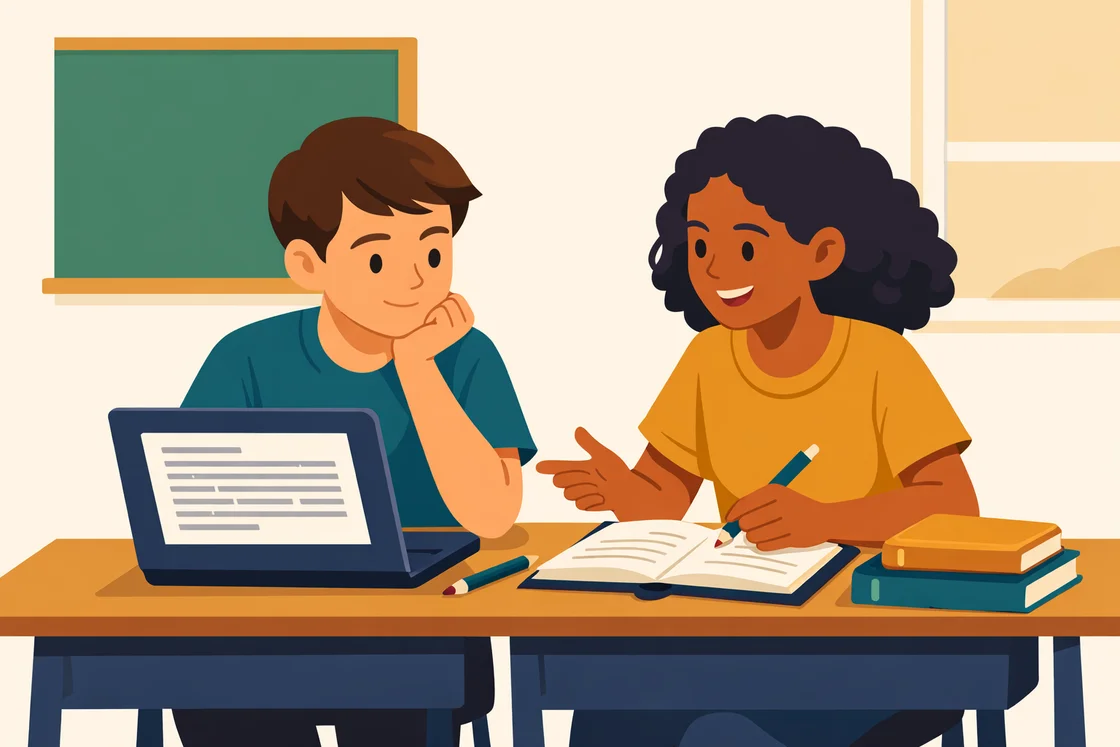
Every report in the pile reads almost exactly like that. But what if you built in a step that required students to reflect, question, or add their own example?
Suddenly, you hear their voice. You see their uncertainty and their “aha” moment. That is real learning - AI simply becomes part of the process, not the whole story.
Step 1: Clarify Your Policy - And Make It Part of the Lesson
Drafting a clear, fair AI-use statement
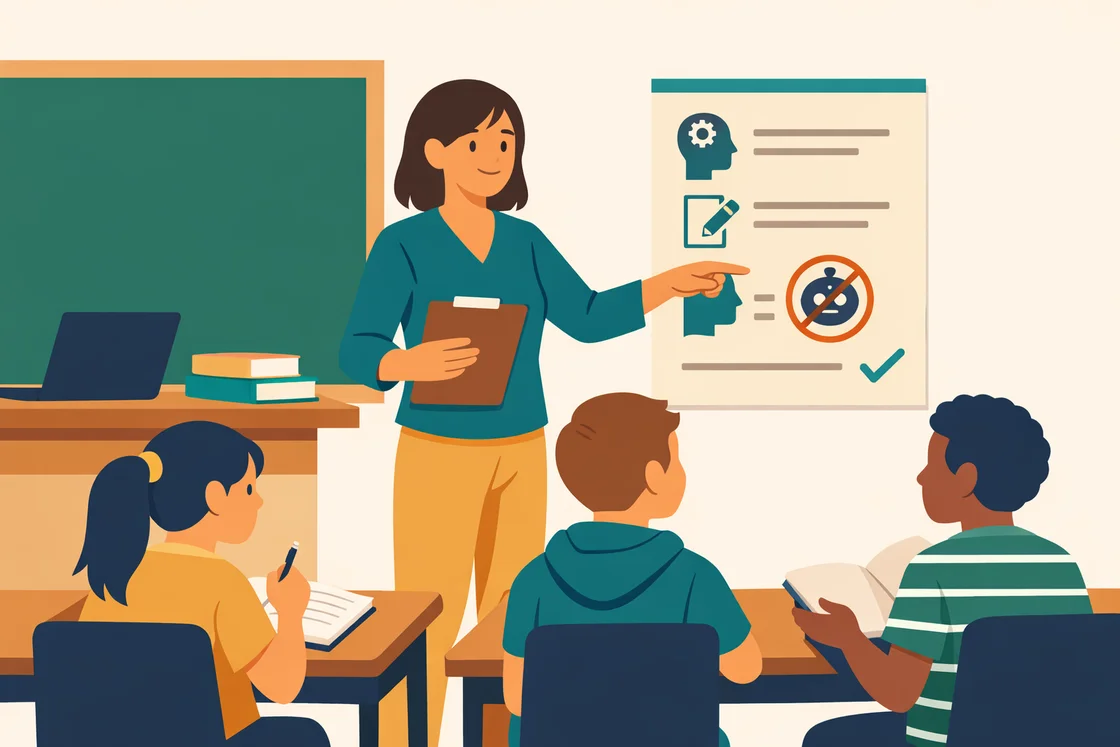
Pretending AI does not exist is a losing game. The first relief comes when you set clear, honest boundaries. Spell out where, when, and how students can use AI in your classroom - and where they cannot.
Save Hours on Report Writing
Report Alchemy generates personalised, high-quality student reports in seconds.
Try Report Alchemy FreeA good policy is simple, enforceable, and actually explained to students. It recognises that AI can support learning, but it cannot do the thinking for them.
Tip:
Sample AI-use Policy Statement: “You may use AI tools to help you brainstorm ideas or check your spelling, but all final work must be in your own words. If you use AI, you must include a short reflection explaining what it helped you with and what you did yourself.”
Tips for Discussion:
- Ask students to describe times they have used AI at home - what worked, what did not?
- Discuss privacy: remind students never to enter personal details into any AI tool.
- Make it clear: using AI to replace their thinking is not allowed, but using it to support learning is encouraged - if they are honest about it.
Discussing boundaries openly with students
This is not about policing. It is about partnership. When you talk openly about where the line is, students are less likely to sneak across it. They feel trusted, and they know what is fair. Most importantly, they see that you are not anti-technology - you are anti-shortcut.
Step 2: Teach Students How to Use AI Responsibly
Scaffold: Model how to ask good questions
If you don’t show them, they’ll default to “Write my geography homework for me”. Instead, model how to use AI for learning, not just copying. For example, try live-demonstrating questions like, “Can you give me three different ways to explain convection?” or “What are the weaknesses in this answer?”
Show them that the quality of their question shapes the usefulness of the answer. Let them see the difference between asking AI to do the work versus asking it to help them think.
Comparison: Human thinking vs. AI output
This is where you get practical. Put an AI answer and a student’s original thinking side by side. Compare. Discuss. Ask: Which one shows understanding? Which one is easier to mark? Which one actually helps you learn?
| AI-Generated Answer | Student’s Critical Response |
|---|---|
| The water cycle describes the continuous movement of water on, above, and below the surface of the Earth. It includes processes such as evaporation, condensation, and precipitation. | When I tried to draw the water cycle from memory, I forgot about runoff. The AI reminded me, but I realised I wasn’t sure how runoff links back to evaporation. So I checked my notes and added an arrow showing the flow back to rivers. Now the diagram makes more sense to me. |
| In World War II, the Allies fought against the Axis powers in several major battles including the Battle of Stalingrad and D-Day. | I asked AI for a list of important battles, but then I picked D-Day to research more. I found a podcast about a soldier’s experience, which made me realise how chaotic it was on the beaches. My report is about how the plan changed because conditions were so different from what the generals expected. |
Students start to see that AI can fill gaps, but it cannot make the connections or insights that come from their own brains.
Step 3: Design Assessments That Value Process Over Product
Incorporate drafts, reflections, and peer reviews
If you only ever mark a single, polished final product, it is easy for students to let AI do the heavy lifting. But if your process includes drafts, feedback, and reflections, they have to show how they got there.
For example, have students submit a rough draft (pen and paper works well), then use AI to help them improve one section. Ask them to write a reflection: What did AI help with? What did they change themselves?
Ask for evidence of thinking, not just finished work
When you build in checkpoints - quick voice notes, peer feedback, or a one-minute video explanation - you make it harder to fake understanding. You reward the journey, not just the destination.
If you’re looking for a shortcut that actually helps you, not your students, tools like Report Alchemy can take hours off your reporting workload - so you have more time to design tasks that foster real learning, not just AI-polished prose.
Tip:
Download a free AI-use reflection prompt template to try in your next assignment. Ask students: “What did you use AI for? What did you do yourself? What did you learn in the process?”
Step 4: Spot-Check for Authenticity Without Creating Distrust
Quick oral checks and follow-up questions
Nothing beats a quick chat. If a student has turned in a suspiciously polished report, ask them to explain their main point in person, or to talk you through their diagram. Most students are honest when asked directly, especially if you keep the tone curious, not confrontational.
A two-minute conversation can reveal if they really understand what they’ve written - or if they have just pasted in what AI gave them. You can even do this as a random spot-check, not just when you suspect something is off.
Encouraging honest conversations about AI use
Make it safe to admit they used AI, as long as they can show where it helped and where they did their own thinking. Remind them that learning is not a performance; it is a process. The goal is not to catch them out, but to help them see the value in their own work.
Step 5: Build a Culture of Trust and Accountability
Celebrate genuine effort and improvement
Students respond to what you notice. Praise the ones who take risks, who show their drafts, who admit what they found hard and how they improved. Make it clear that you value growth, not just perfection.
If you use a tool like Report Alchemy to speed up your own workload, use the time you save to write more personalised comments. Notice the unique phrasing or the creative diagram, not just the spelling and structure.
Involve families in understanding AI boundaries
Families want to help, but they are as confused as anyone. Share your AI-use policy at parent evenings, or send a short explainer home. Make it clear: AI can be a support, but only if students are honest about how they use it.
Picture this: Instead of dreading another pile of identical, lifeless reports, you walk into your classroom and see students presenting their projects - proud, a little nervous, but genuinely owning their ideas. Jamie is grinning as he explains photosynthesis in his own words, even if he stumbles. The marking is lighter, the process is clearer, and you know what each child can really do. That is the relief you have been craving.
Setting boundaries for AI use is not about policing or suspicion. It is about building a classroom where technology supports learning, not replaces it. When you do, you get your students back - and maybe even your evenings.
This article was inspired by recent reporting from The Conversation.