
The mouse cursor hovers over “Save” for the third time in as many minutes. It is Year 6 report writing week, and you are halfway through a comment about a pupil’s progress in fractions. Then, suddenly, the screen freezes. The school Wi-Fi flickers off. Tabs for assessment data, report templates, and parent contact lists reload endlessly. You glance across the staffroom: faces are pinched, conversations die mid-sentence. In the space of a single lesson changeover, your carefully planned report-writing routine is thrown into chaos.
It’s Report Writing Week - And the Wi-Fi Goes Down

A familiar scene in the staffroom
Teachers around you are juggling coffee cups and memory sticks, some swapping stories about the best way to phrase “working below expected standard” without sounding like a robot, others checking their emails for last-minute reminders from SLT. The laptops are lined up like dominoes, everyone relying on the same cloud drives and collaborative tools. This is the week you hope for smooth sailing, because every minute saved now is one less evening spent marking at home.
Spotting the first signs of trouble
At first, it is just a spinning wheel. Then, someone mutters about not being able to access pupil targets. A TA pops in: “Is anyone else’s login not working?” Within minutes, murmurs swell into anxious chatter. The IT technician rushes past with a phone pressed to his ear. You try switching to your backup files, but your assessment records live in the cloud. The digital backbone of your report-writing workflow is suddenly, inexplicably, out of reach.
The Moment Everything Stops: Facing a Ransomware Attack
Locked out: What you can and can’t access
You stare at your laptop screen, which now displays a blunt message: Files encrypted. Contact your administrator. The main server is down. You can’t get into the shared drive, and your student assessment grid is gone. Even your trusty “Reports 2025” folder on the desktop is greyed out.
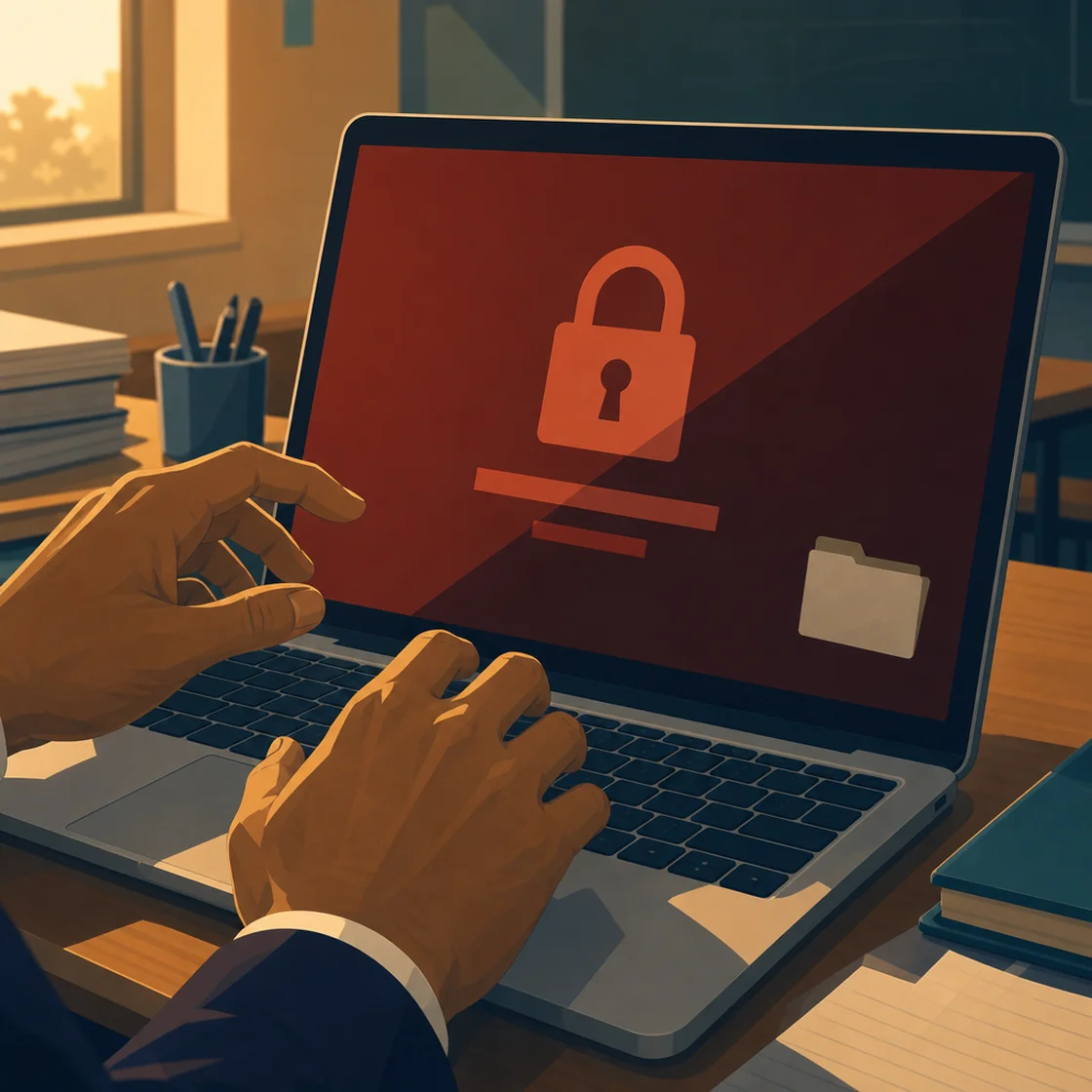
Immediate impact on your workflow
The implications hit quickly: no access to previous report comments, no way to check last term’s assessment summaries, no templates to copy and adapt. Parent contact info is in the cloud, too. The systems you rely on for differentiation, for capturing the nuances of each child’s journey, have vanished overnight. You glance at your colleague, who is now rifling through last year’s paper records. Report writing, which already felt like a mountain, now looks more like Everest.
Tip: Ransomware is a type of cyberattack where hackers lock access to a school’s files and demand payment to unlock them. Schools are increasingly targeted: ransomware attacks against schools, colleges, and universities rose 23% year over year in the first half of 2025. For safeguarding guidance, see eSchool News.
What Makes This So Challenging for Year 6 Teachers?
Lost data: Assessment records, progress notes, and report templates
It is never just about a lost file. For Year 6, reports carry extra weight: transition to secondary school, SATs context, parent expectations. Your assessment notes - meticulously logged over months - are suddenly inaccessible. The templates you have tweaked for tone and detail, the running records that let you personalise feedback, are locked behind a digital wall. The finer shades of progress, the subtle shifts in confidence and independence, risk being flattened into generic statements.
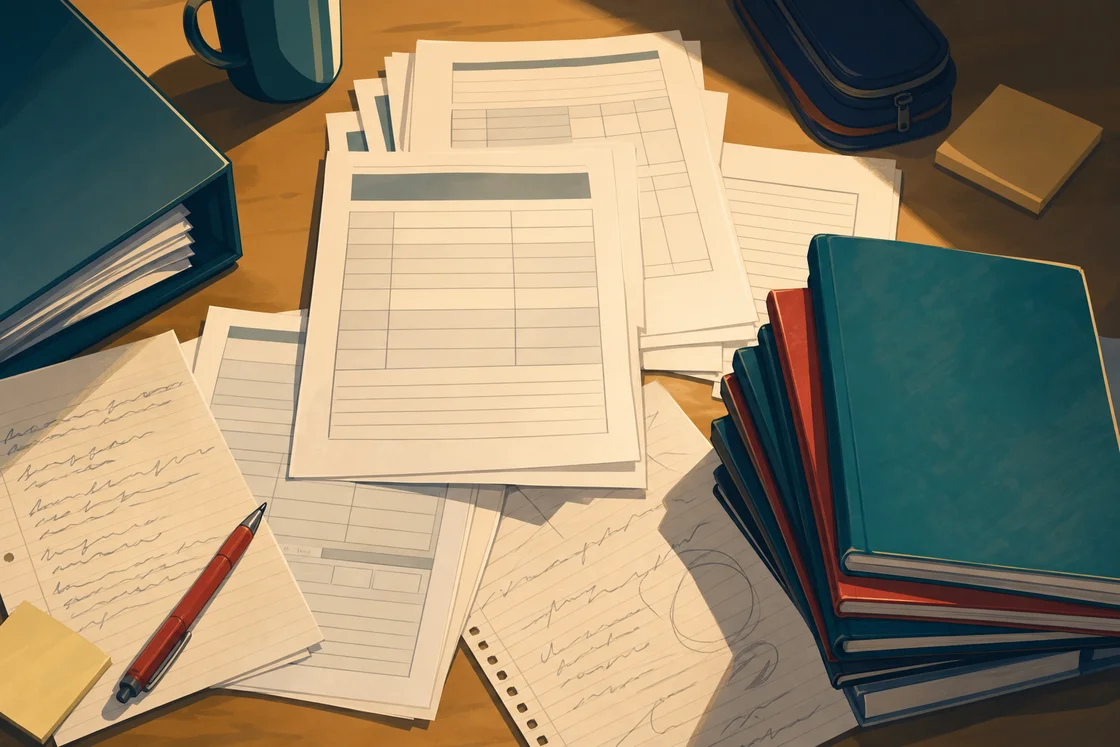
But that is not the full story. Without your annotated grids, you can’t recall exactly which fraction strategies Ethan struggled with, or how he helped another pupil during group work. The detail - the bit that makes a comment his - is gone.
Coordinating with colleagues without email or shared drives
Usually, you would ping the Year 6 team to double-check a tricky wording, or check the latest moderation notes. Now, you are left with Post-Its, hurried corridor conversations, and memory. Colleagues who rely on shared planning or collaborative moderation are suddenly working in silos. The sense of being part of a team, of building a coherent narrative for the year group, is replaced by frustration and guesswork.
Turning Friction Into Progress: Your First 24 Hours
Prioritising: What can be done offline?
The initial temptation is to wait for IT to wave a magic wand. But deadlines are non-negotiable. Instead, you triage: which pupils do you know well enough to start drafting offline? Can you access last year’s printed reports for context? Which reports will require deep dives into progress data - now unavailable - and which can be written from memory and exercise books?
Gathering evidence: Paper records, exercise books, and memory
You dig out the big blue folder of reading records, flick through spelling tests, and re-read recent work in science books. For some children, you find enough to reconstruct a meaningful narrative. For others, the gaps are obvious. You jot down key observations: “Always volunteers in class discussion,” “Needs support to organise writing independently.” Your handwritten notes become lifelines, anchoring the reports in real evidence, even if the data is less precise than usual.
Communicating with SLT and parents during a crisis
SLT is fielding questions from all directions. Parents are still expecting reports on time, and there is pressure to maintain standards. You draft a short note for families - via text or printed letter - explaining the disruption, without triggering alarm. The message is honest: reports may look different this year, but every effort is being made to reflect each child’s unique strengths.
Save Hours on Report Writing
Report Alchemy generates personalised, high-quality student reports in seconds.
Try Report Alchemy FreeAdapt and Overcome: Alternative Approaches to Report Writing
Switching to paper-based templates
With the digital doors closed, you print off blank report templates and start filling them by hand. The process feels slow, clunky, and oddly nostalgic. For some colleagues, it is a return to their NQT days, scribbling notes in margins and piecing together comments from memory. For others, the loss of auto-fill, copy-paste, and spellcheck is a genuine blow.
Collaborative solutions: Sharing knowledge and workload
In the absence of shared drives, the staffroom table becomes the new “cloud.” Teachers compare notes, pass around exercise books, and check each other’s drafts. The talk shifts from “I’ll email you my maths comments” to “Can someone remind me what we said about Ruby’s perseverance?” It is slower but, in some ways, more connected - a reminder that teaching is still about human relationships and shared knowledge.
Safeguarding and data protection concerns
There is a new set of worries, too: keeping handwritten records secure, ensuring that no sensitive information is left lying around, and remembering to shred drafts. You find yourself double-checking which data can be shared in person, and what needs to stay confidential. The shift from digital to analogue brings its own safeguarding headaches.
Before/After: Classroom Report Writing Transformed
Let’s compare the usual, tech-enabled workflow with the emergency, low-tech approach forced by the cyberattack.
- Before: You open your laptop, pull up last year’s report, and adapt phrases. Assessment grids, reading ages, and attendance figures are a click away. You cross-check with colleagues on Teams, refine language in shared documents, and use Report Alchemy to generate personalised comments based on live data.
- After: You sit with a pile of exercise books, your own scribbled notes, and a printed template. You consult last term’s spelling tests for “evidence of progress.” Collaboration happens in snatched staffroom chats. You miss the nuance and precision of digital tracking, but you rediscover the power of anecdotal evidence and fresh recollection.
The biggest shift? You move from data-driven precision to memory-fuelled storytelling. It is harder to capture progress over time, but sometimes you see pupils in a new light - remembering their resilience, not just their reading scores.
Lessons Learned: What to Do Differently Next Time
Building resilience: Offline backups and hard copies
The aftermath brings hard questions: How much are we relying on cloud-based systems? Should we keep printed assessment summaries, just in case? Many schools are starting to back up key data offline or keep hard copies of essential records for “just in case” moments. It is not about turning back the clock, but about building in resilience - so a cyberattack is a headache, not a catastrophe.
Training and drills for digital disruptions
Just as we practise fire drills, some schools are now running “digital outage” drills. Teachers rehearse what to do if systems go down: where to find backup records, how to communicate with parents, what offline tools can be used for report writing. It is about being ready, not just for cyberattacks, but for any disruption - power cuts, server upgrades, even snow days.
| Digital (Cloud-Based) | Paper (Offline/Low-Tech) | |
|---|---|---|
| Speed | Fast, efficient, can auto-fill and reuse templates | Slow, manual, time-consuming |
| Personalisation | Easy to personalise with stored records and tools like Report Alchemy | Relies on memory and paper notes, at risk of generic comments |
| Collaboration | Real-time sharing and feedback with colleagues | Dependent on in-person discussions, risk of missed messages |
| Data Security | Encrypted, but vulnerable to cyberattacks if not backed up | Physical security risks, but immune to digital attacks |
| Accessibility | Accessible from anywhere (if network is up) | Accessible only in school, risk of lost/damaged records |
| Resilience in Crisis | Can be disrupted by outages, but recoverable with good backups | Continues during outages, but less detailed and harder to share |
Key Takeaways for Every Teacher
Simple steps to future-proof your practice
- Regularly back up your pupil assessment notes and key records offline, even if your school’s system feels robust.
- Print a master class list and summary of current attainment at the start of report writing week - just in case.
- Keep a running log of anecdotes and “wow” moments in a paper notebook, as a backup for digital gaps.
- Familiarise yourself with your school’s crisis communication plan: know how to reach SLT and parents if email is down.
- Explore tools like Report Alchemy that can save hours and help you reclaim lost time if disruptions strike again.
Where to find support and resources
You are not alone in this. Many teachers have faced digital disasters and found ways to adapt. Connect with your local network, share stories, and swap offline resources. Encourage your school to invest in cyber resilience - not just at the IT level, but at the data and workflow level. The more prepared you are, the less daunting the next disruption will be.
And if you are ready to make report writing less stressful (and more resilient), try Report Alchemy - so your words, and your pupils’ progress, are never held hostage by a spinning wheel or a cybercriminal’s ransom demand.
This article was inspired by recent reporting from eSchool News.